> ## Documentation Index
> Fetch the complete documentation index at: https://docs.formo.so/llms.txt
> Use this file to discover all available pages before exploring further.
# World ID
> Add World ID verification to your Formo forms to ensure submissions come from real, unique humans. Prevent bots and duplicate entries with proof of personhood.
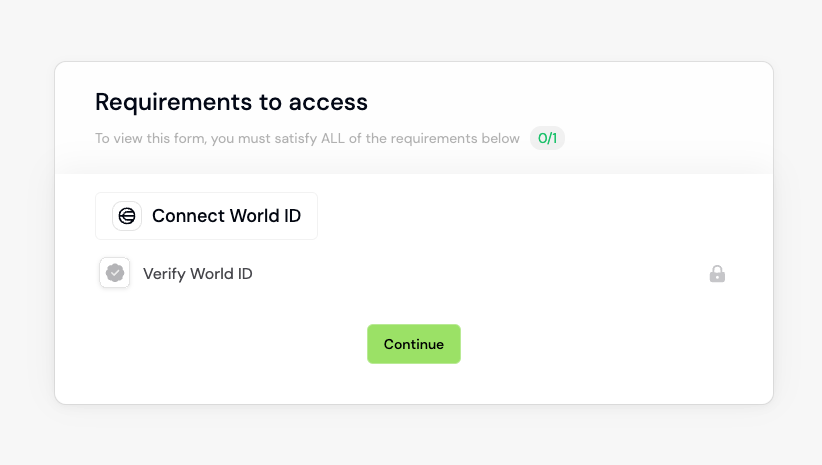 World ID lets form respondents anonymously verify they're a unique human, preventing bots and duplicate submissions.
Enable it for your forms on the Settings page:
World ID lets form respondents anonymously verify they're a unique human, preventing bots and duplicate submissions.
Enable it for your forms on the Settings page:
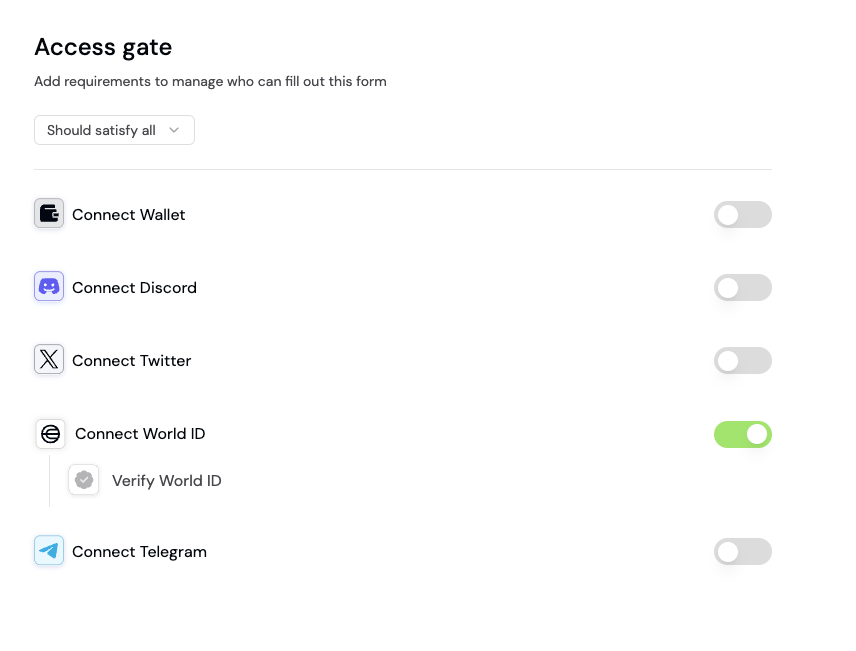 Toggle on **Connect World ID**.
This documentation is built and hosted on [Mintlify](https://mintlify.com), a developer documentation platform.
Toggle on **Connect World ID**.
This documentation is built and hosted on [Mintlify](https://mintlify.com), a developer documentation platform.